

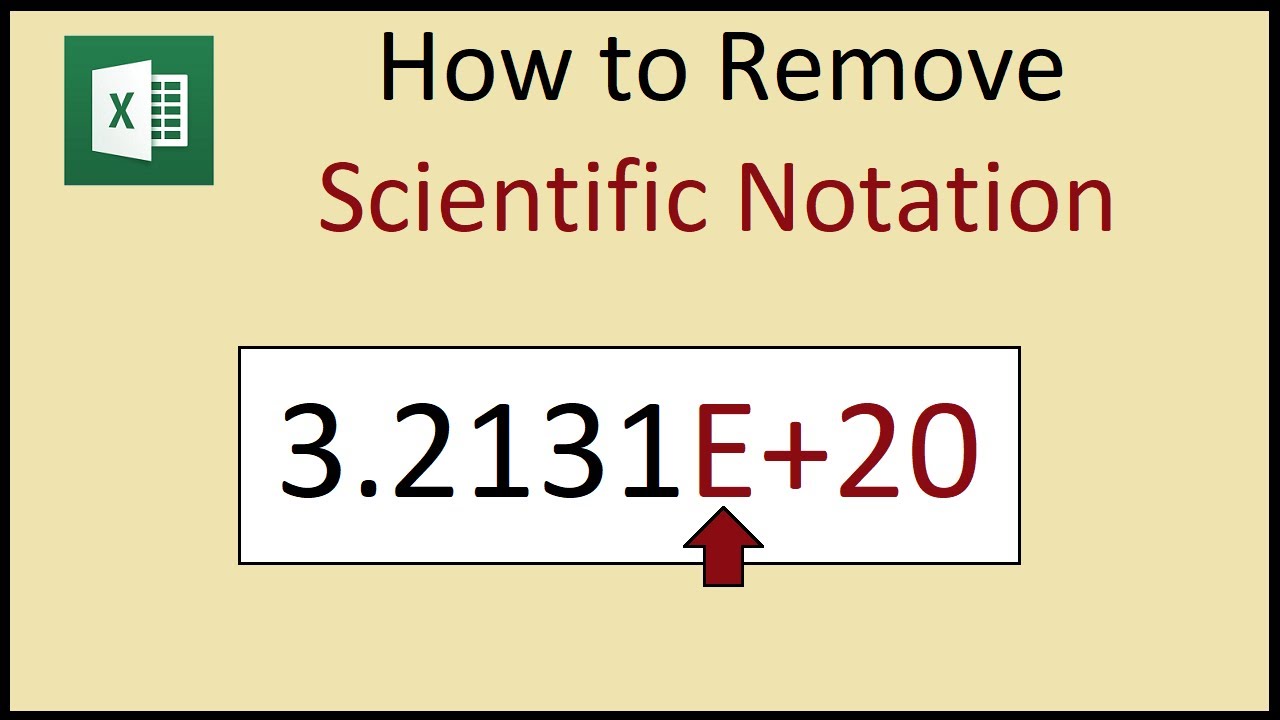
 How to remove scientific notation from large numbers in Microsoft Excel.
 By default, large numbers stored in Excel are automatically formatted into scientific notation which is detonated by a small e+ symbol followed by a number that represents the degree of power of an index number.
To display your number without scientific notation, right click the cell(s) and select the option called: 'format cells'. A dialogue box will popup, under categories select 'Number' and remove any decimal places if required.
Note that a number with more than 15 digits will be truncated down and subsequent digits will be replaced with zeroes.
Music by Adrian von Ziegler


0 Comments